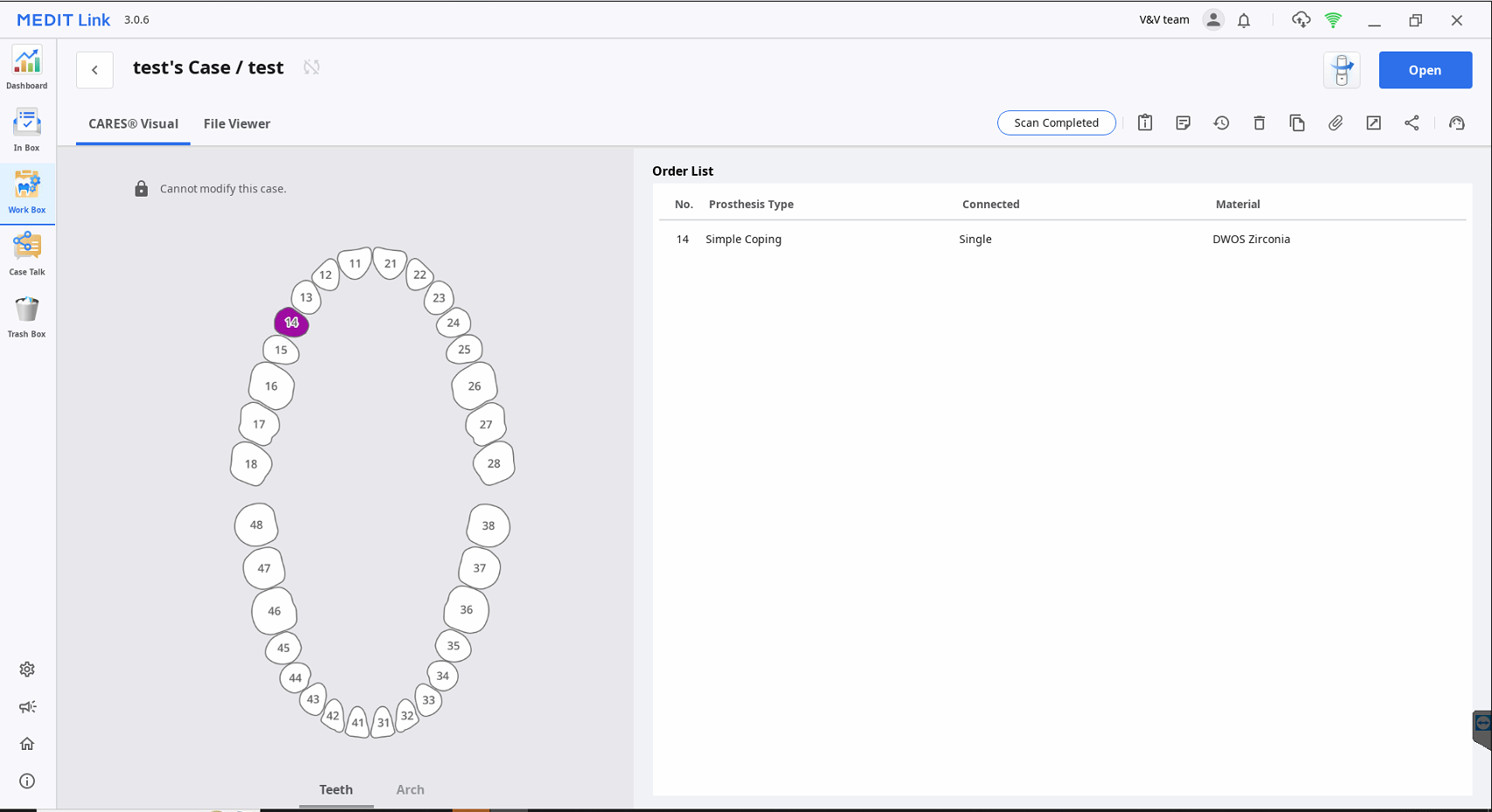
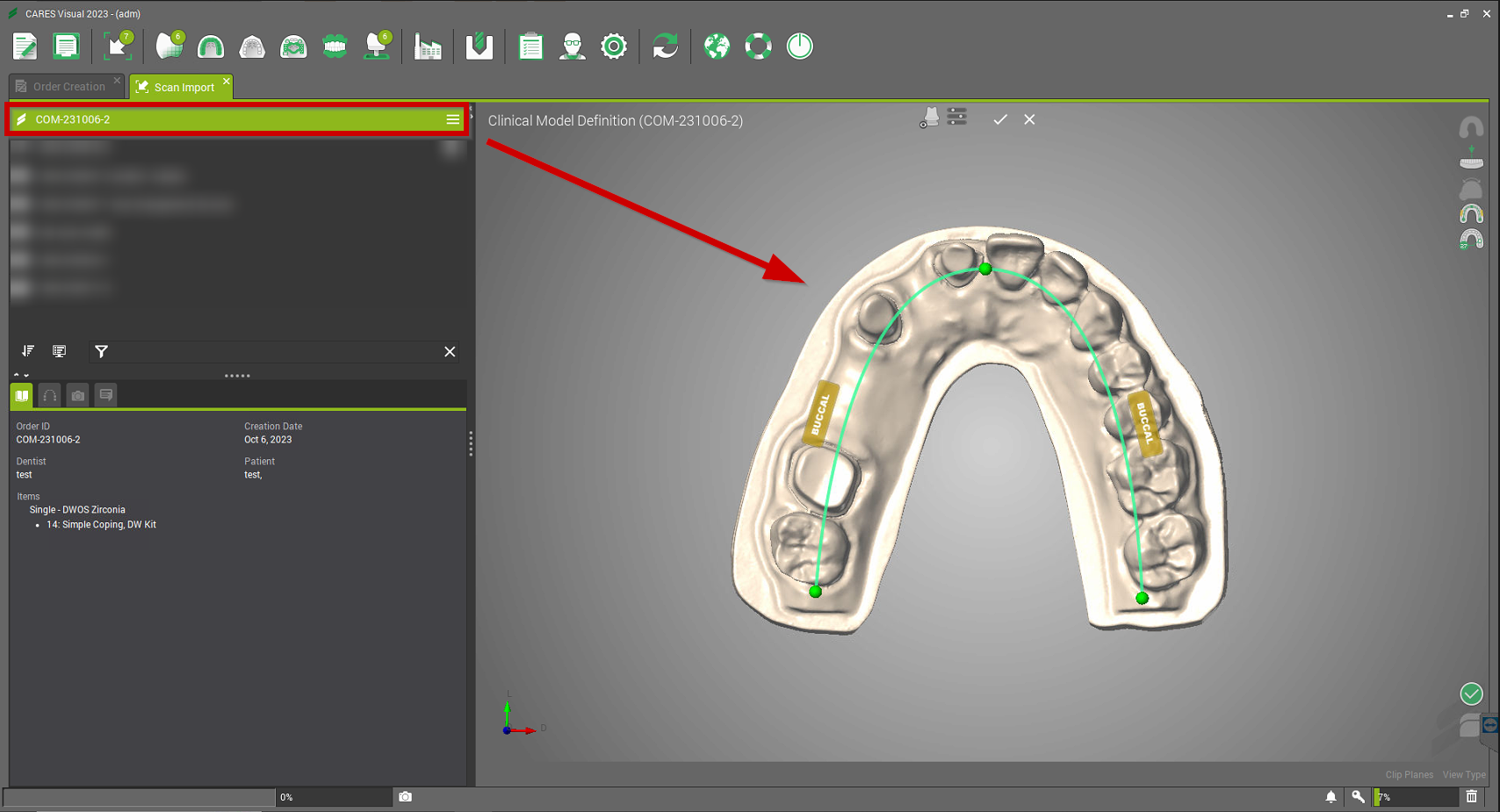
Medit - How to make only one scan created from DWOS/CARES to a Medit scanner
Medit - How to make only one scan created from DWOS/CARES to a Medit scanner
Content by: Guillaume Ferrenbach
Approved by: Cécile Peyrot
Last Update: 01/31/2024
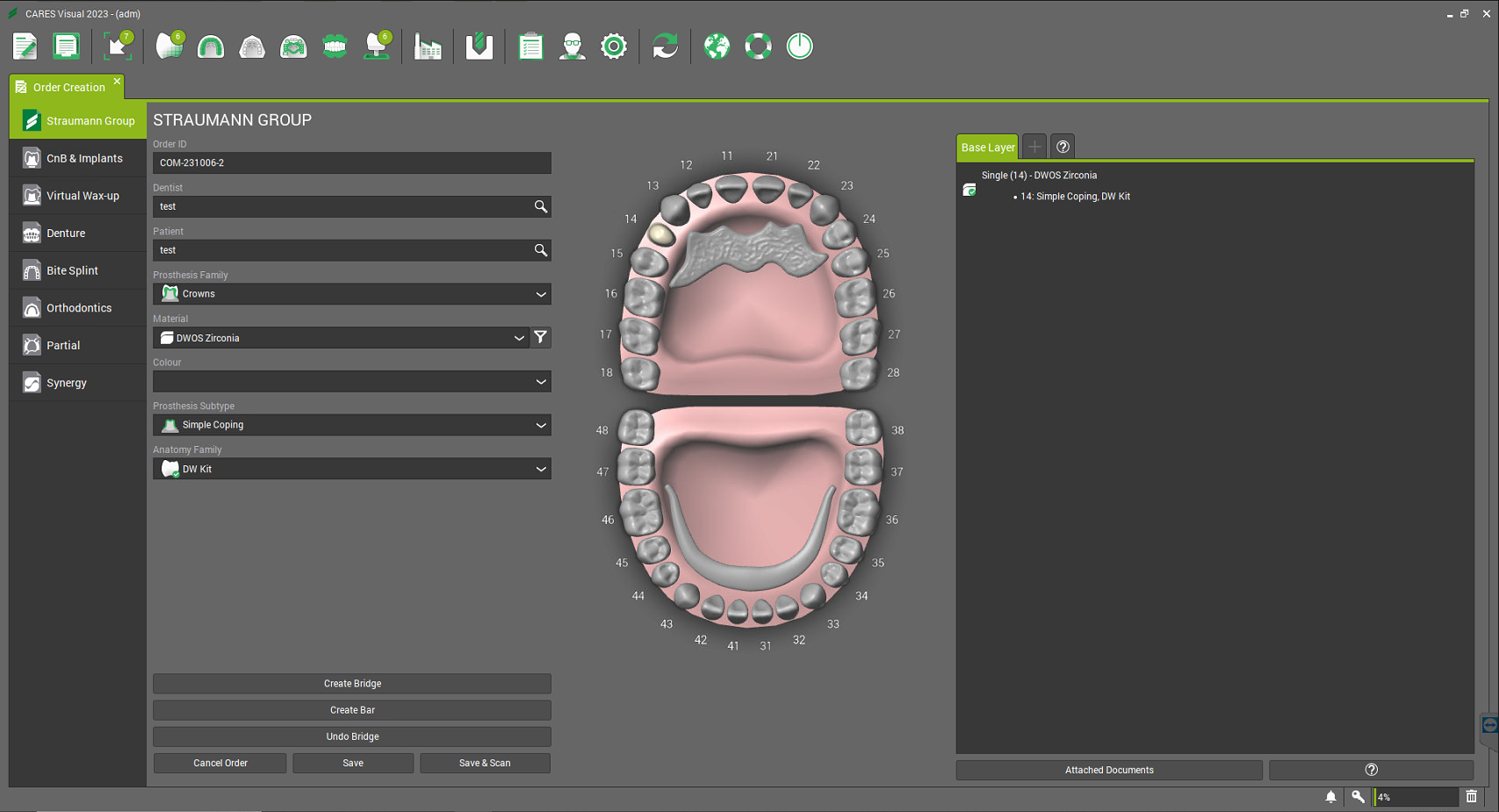
- To make a only one scan created from DWOS/CARES to Medit scanner, you need to create an order exemple a simple coping and click on "Save and Scan":
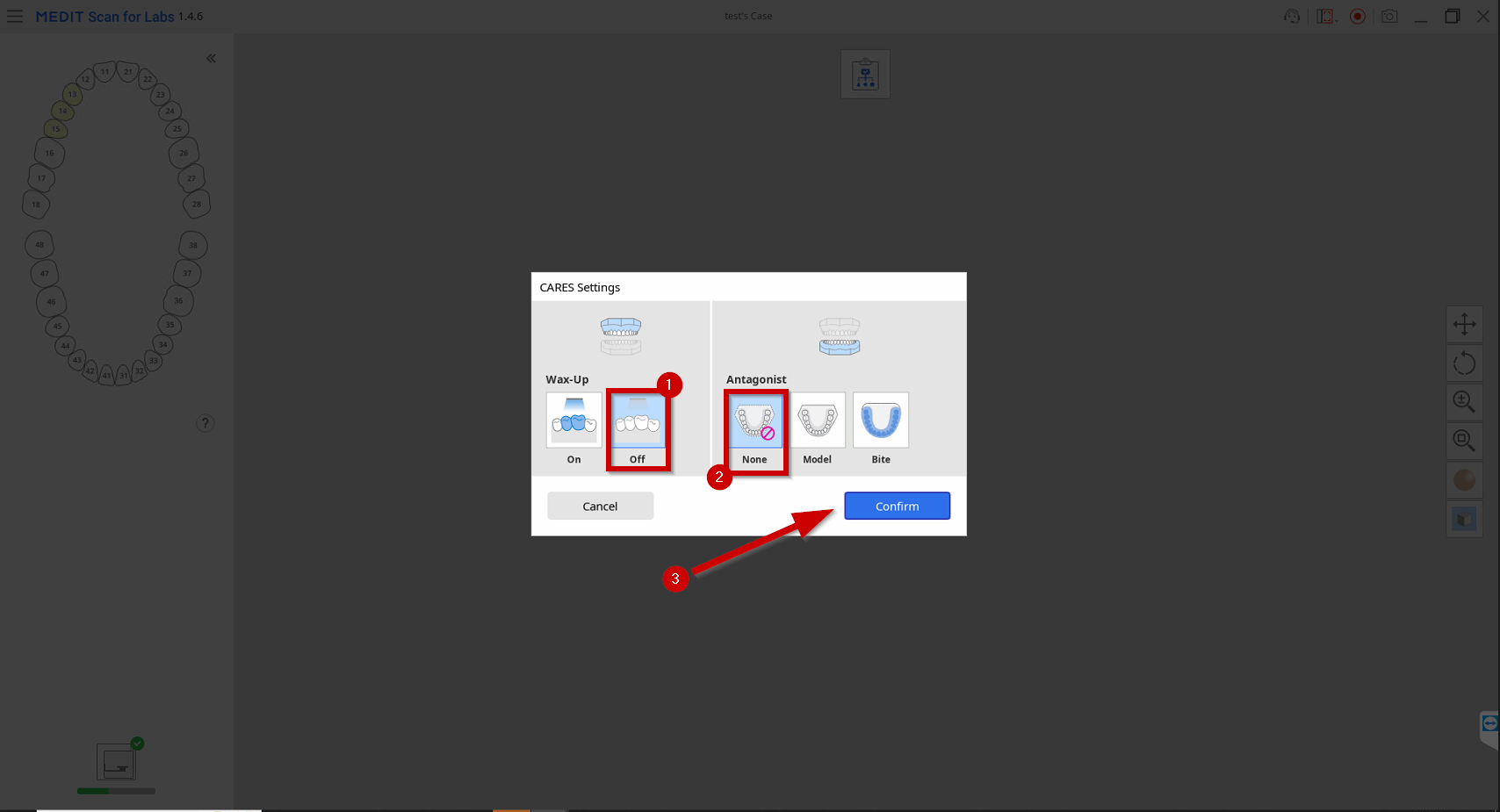
- The Medit link application will open to start the simple scan, the CARES Settings will open, select "Wax-Up: Off" and "Antagonist: None" and "Confirm":
- Then the "Scan Strategy" will open select "Model", "Gingiva: Without Gum" and "Prepared Teeth: Solid" and "Confirmed":
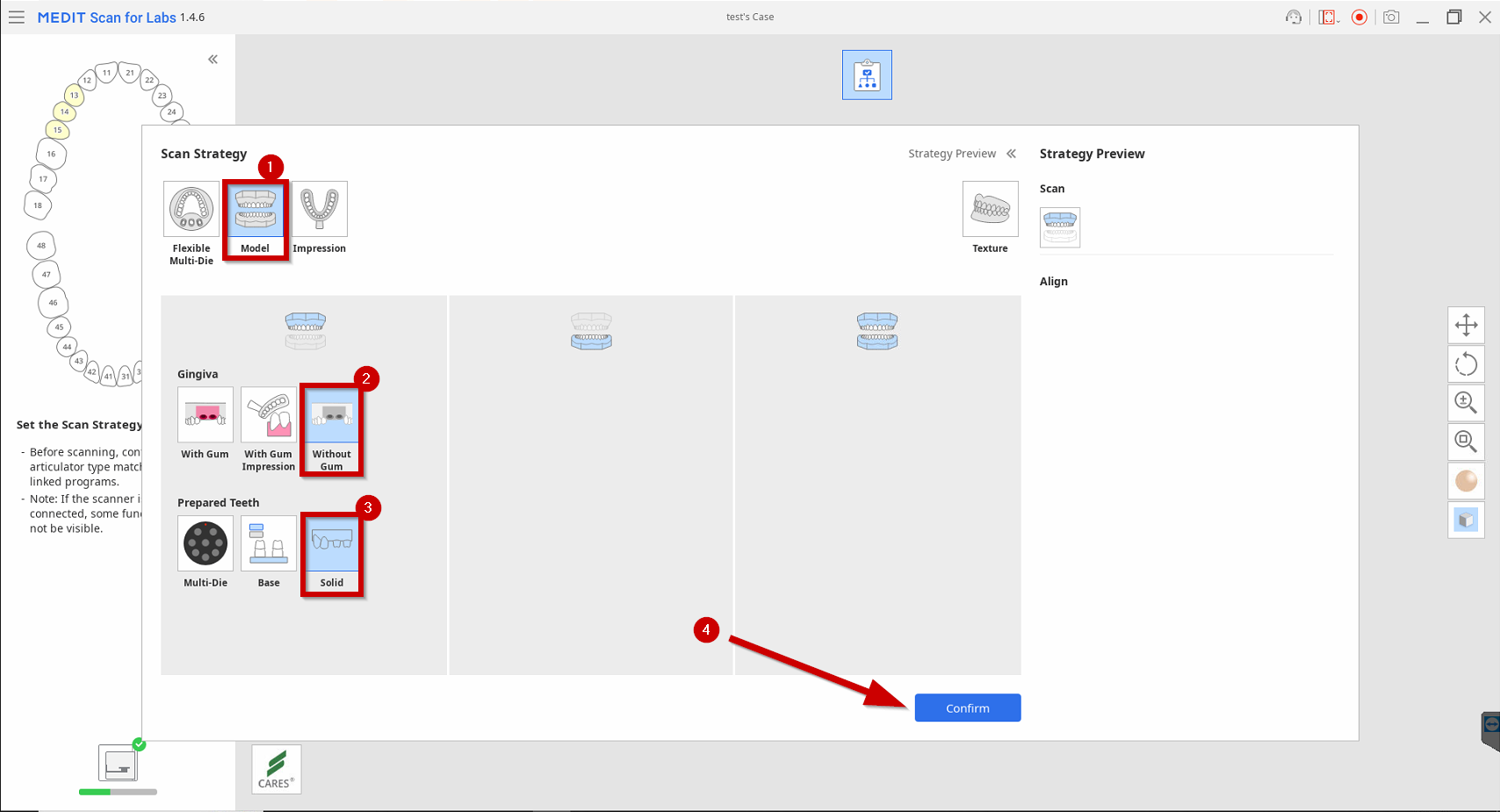
- You will end up with only "one scan step", you can start scanning:
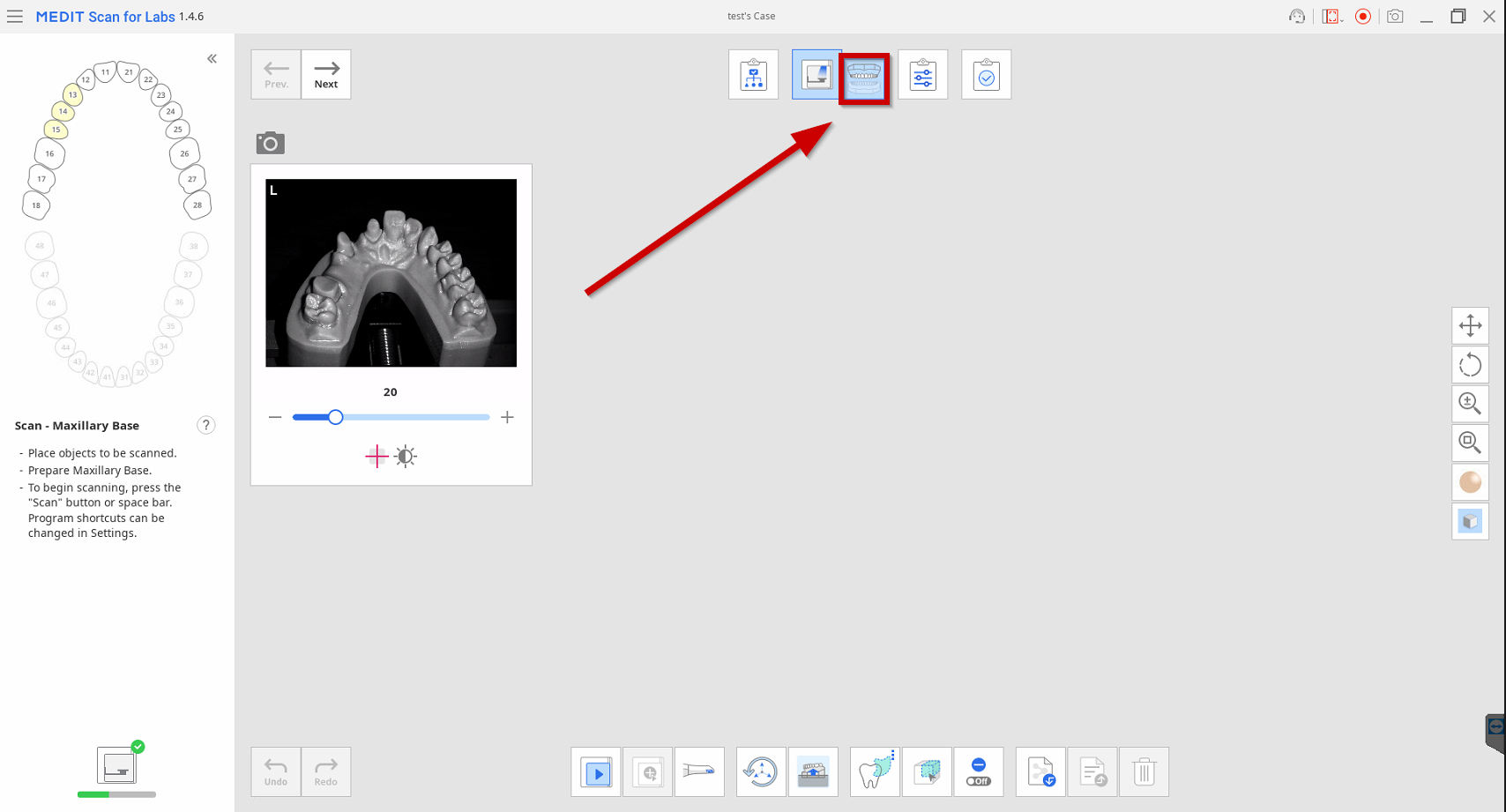
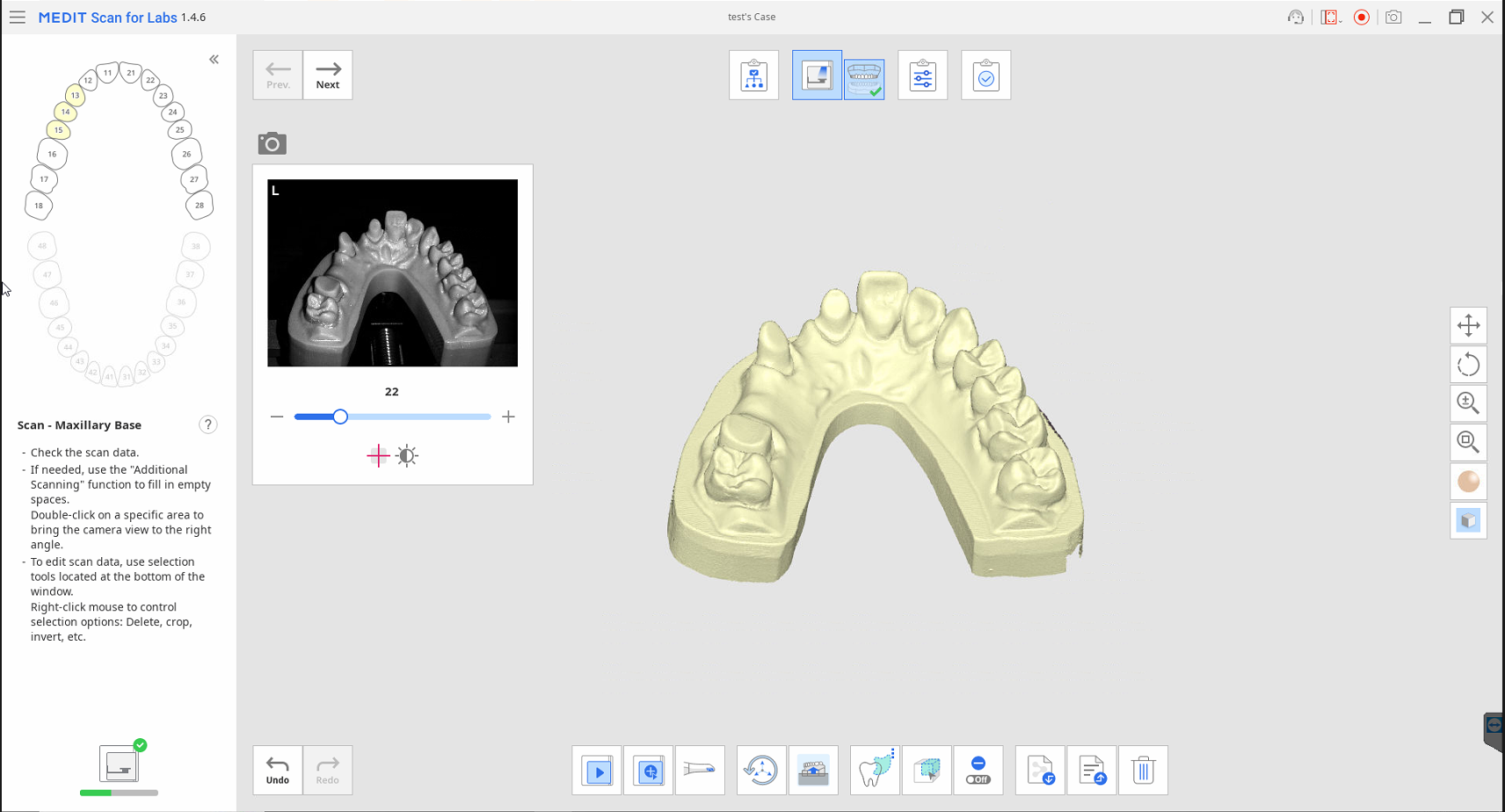
- Once the "Scan Completed", you will be able to open it in "CARES/DWOS" and a single scan will be available to export or start a case: